
Pick a page
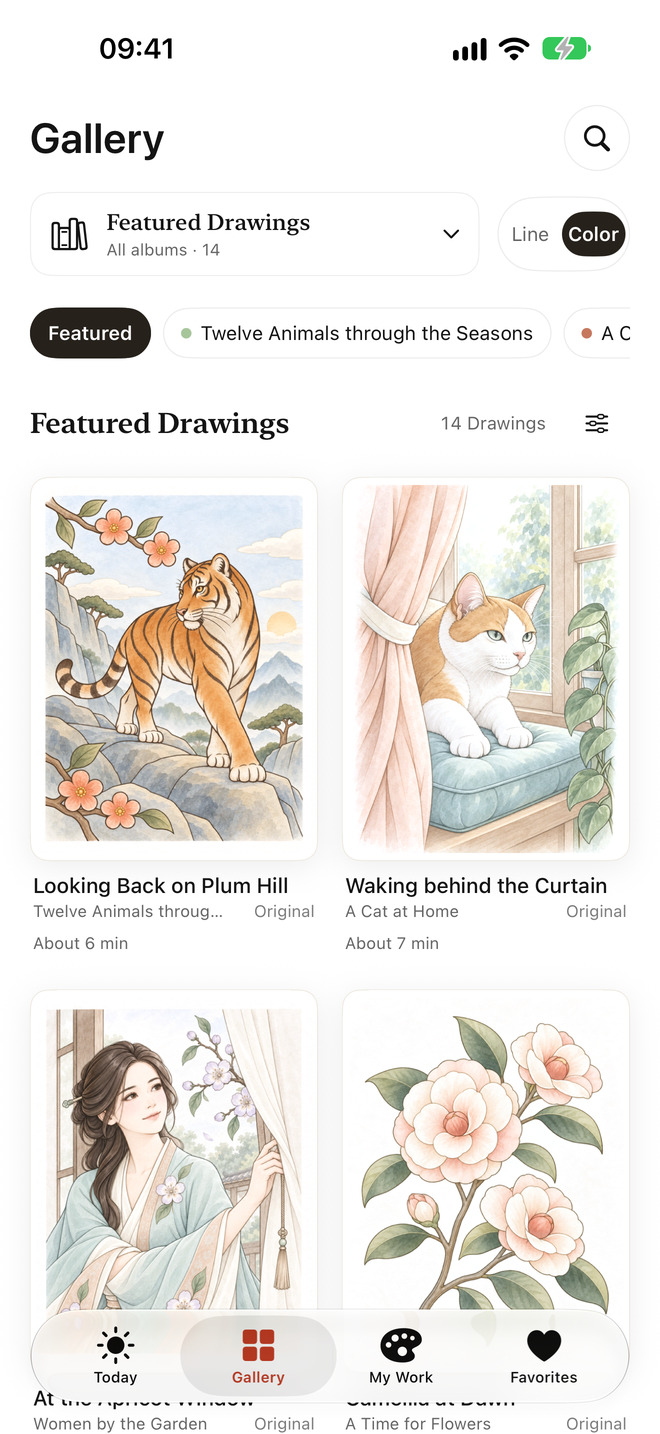
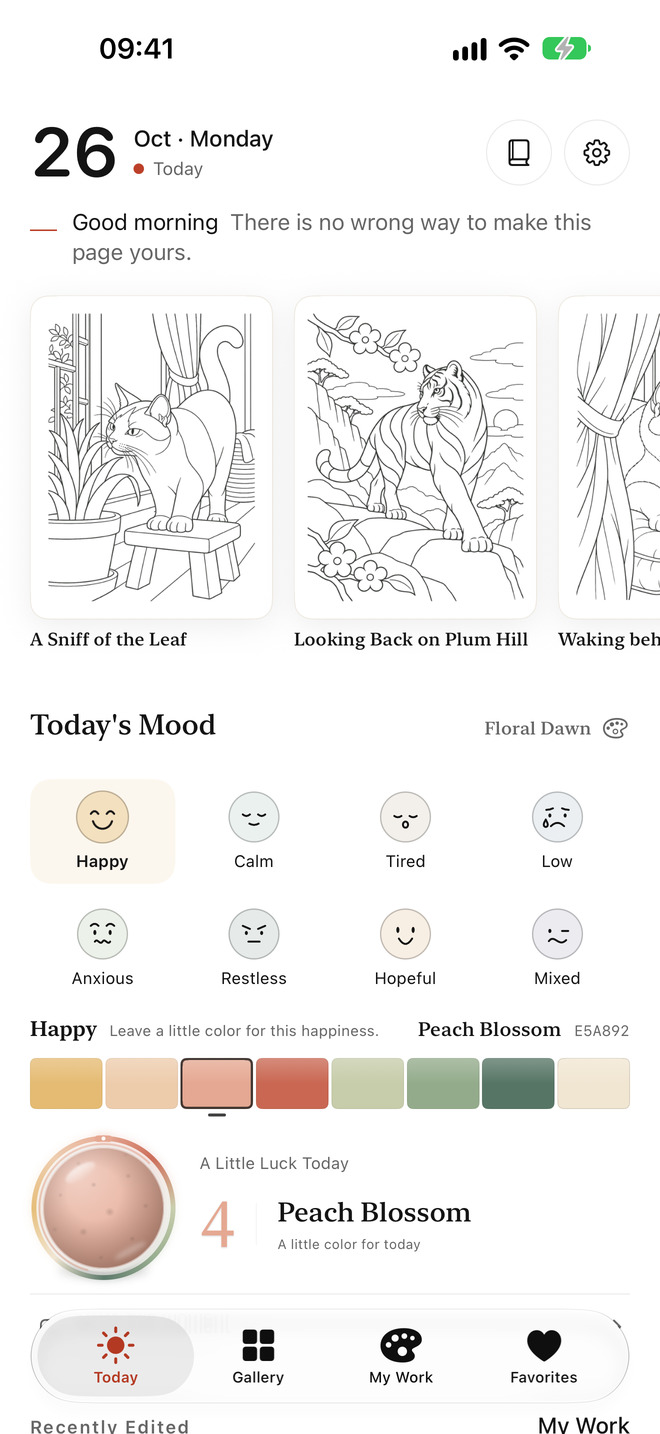
A featured page rotates every day, or browse 14 collections at your own pace.
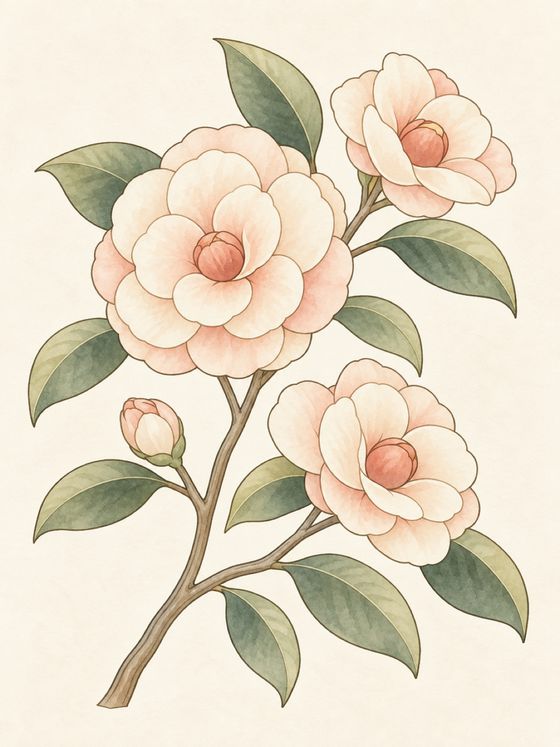
Recently addedRicher brushes · soft watercolor blooms · a lifetime option
A page to color, a moment to keep
Start with a drawing you love and take your time. Then keep today's mood, artwork and a few words in a diary that's only yours.

01 / Open the collections
From a single flower or a sleepy cat to seasonal scenes and tiny fantasy worlds. Every page comes with reference colors, so a few shades are all you need to begin—or make it entirely your own.




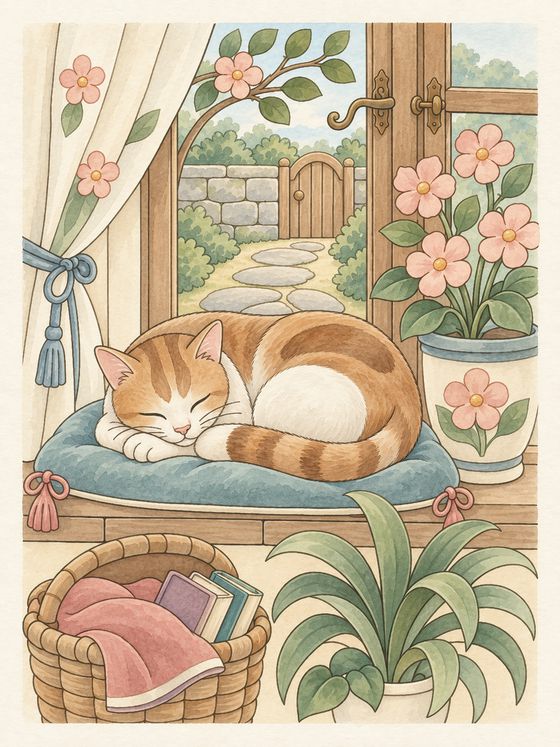
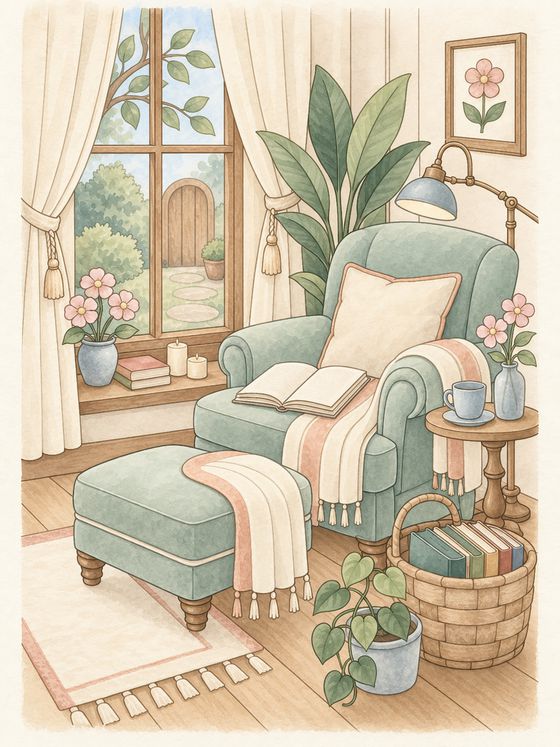
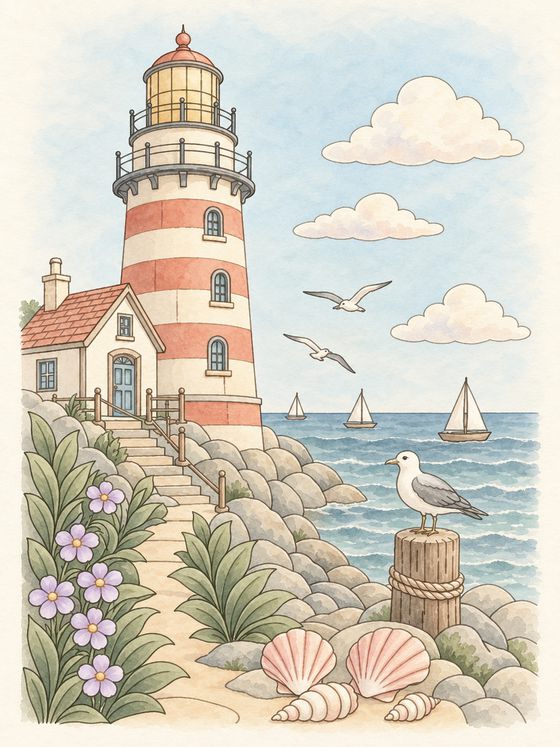
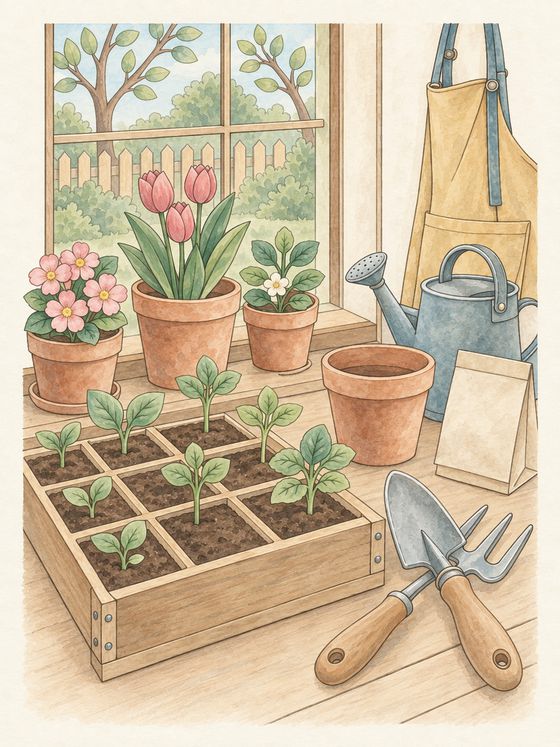
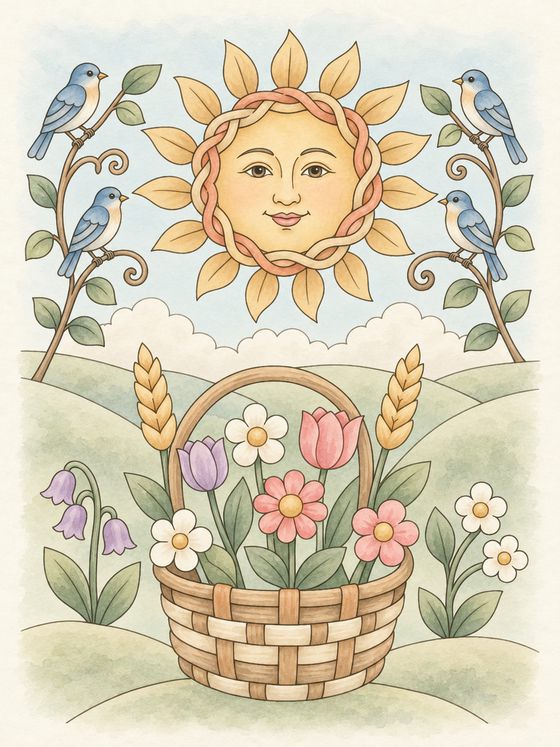
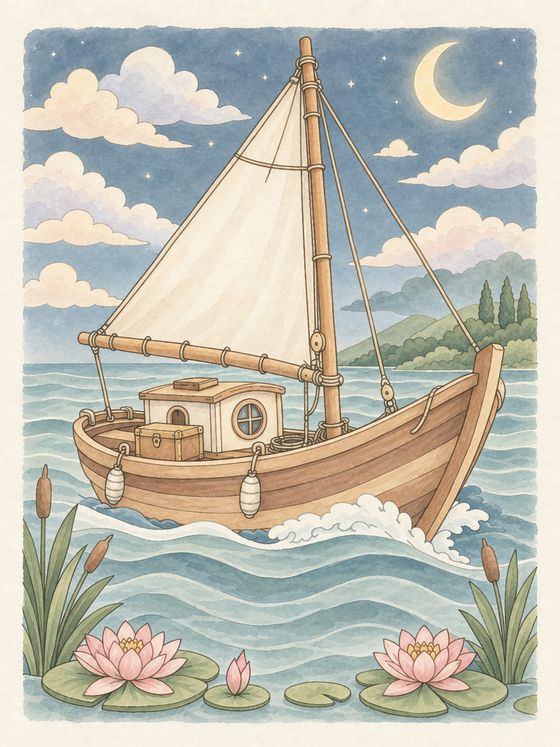
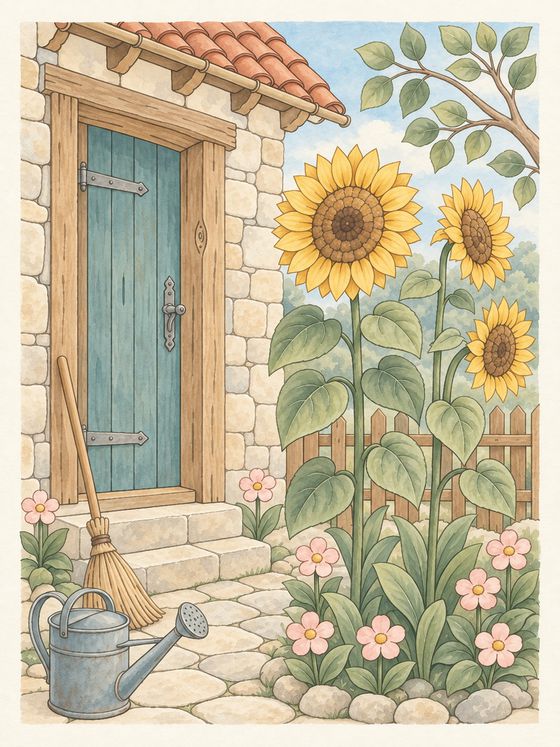

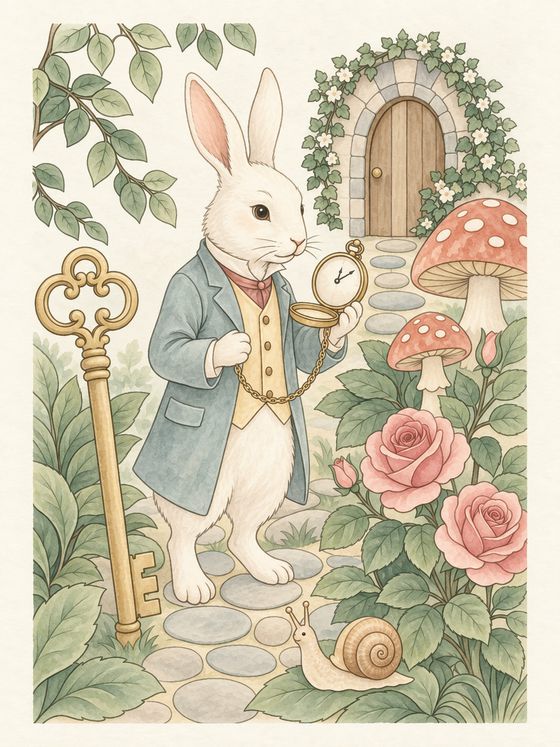
Start free with 12 starter drawings and a daily featured page; Full Access unlocks the complete library. Some drawings are AI-assisted, then cleaned up, line-checked and color-prepared by hand.
02 / How it works
No supplies to gather, no time to set aside. Open the app, pick a page, add some color and keep a little of today.
A featured page rotates every day, or browse 14 collections at your own pace.
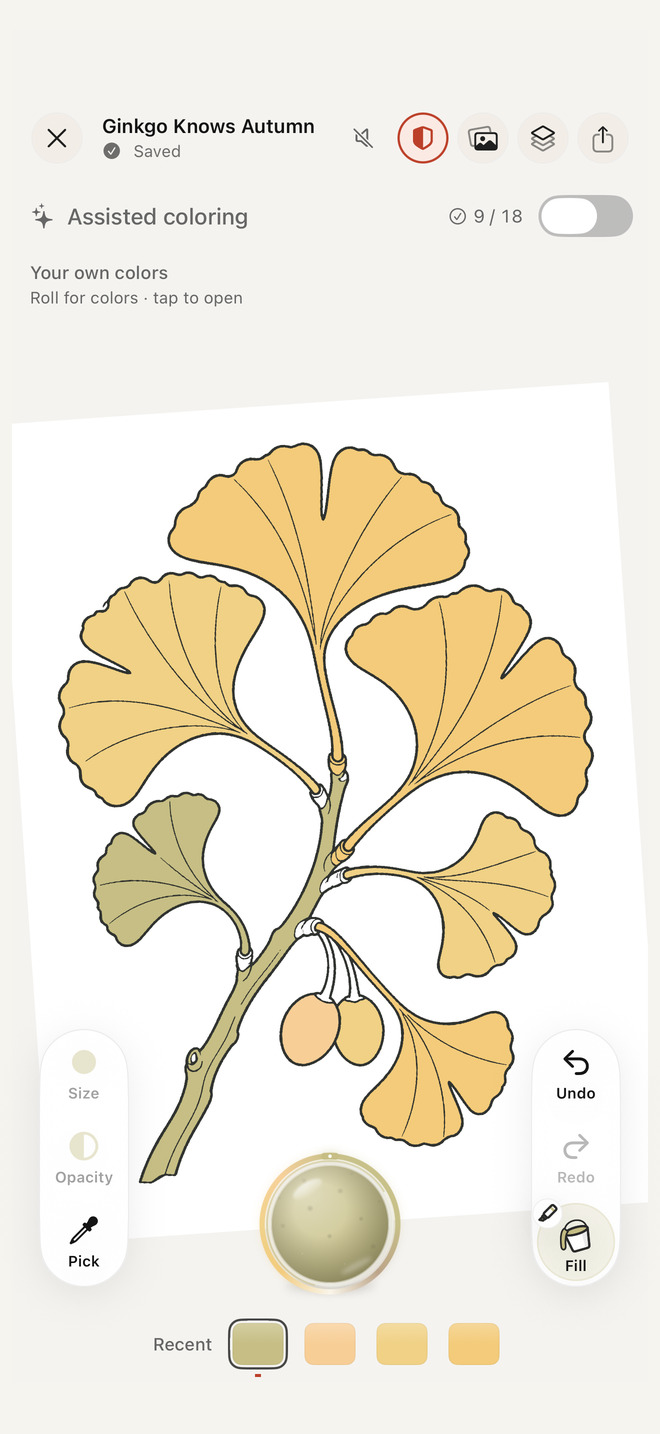
Tap to fill or build up your own strokes. Your progress saves itself whenever you pause.
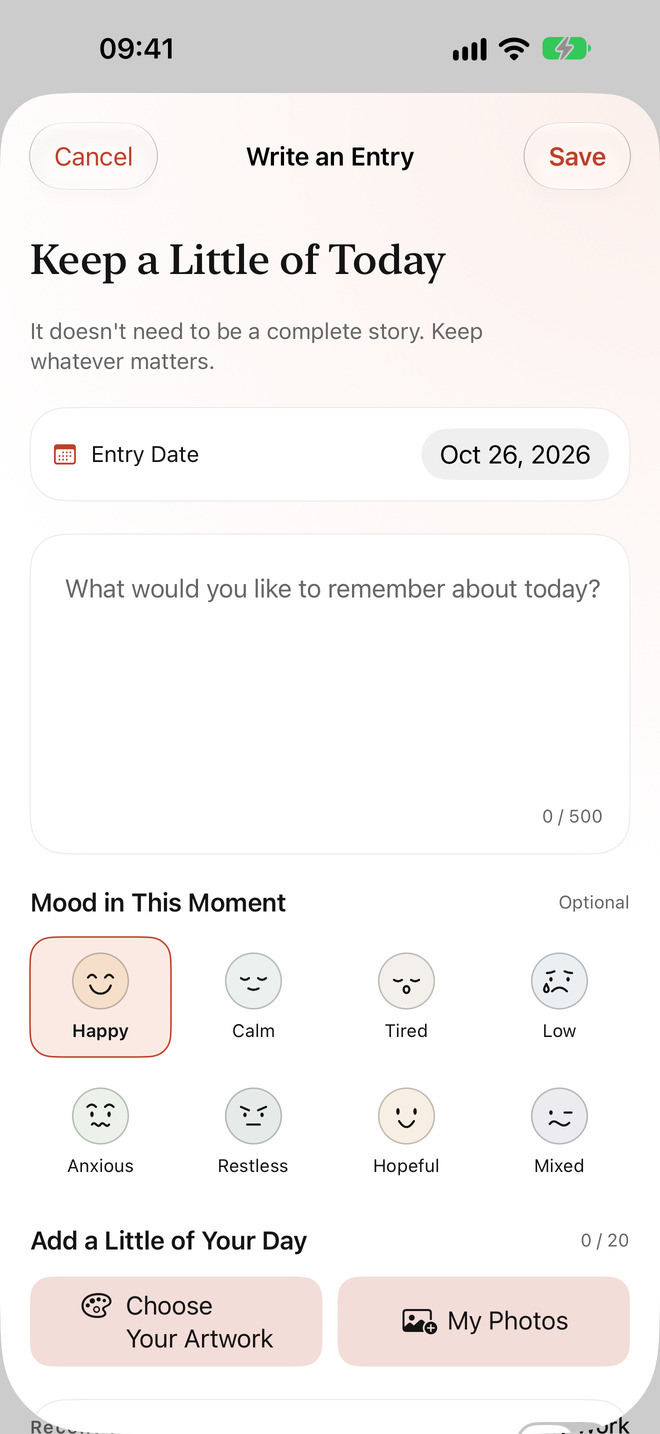
Add a few words, a mood or a photo. A half-finished page still belongs in your diary.
03 / Eight brushes
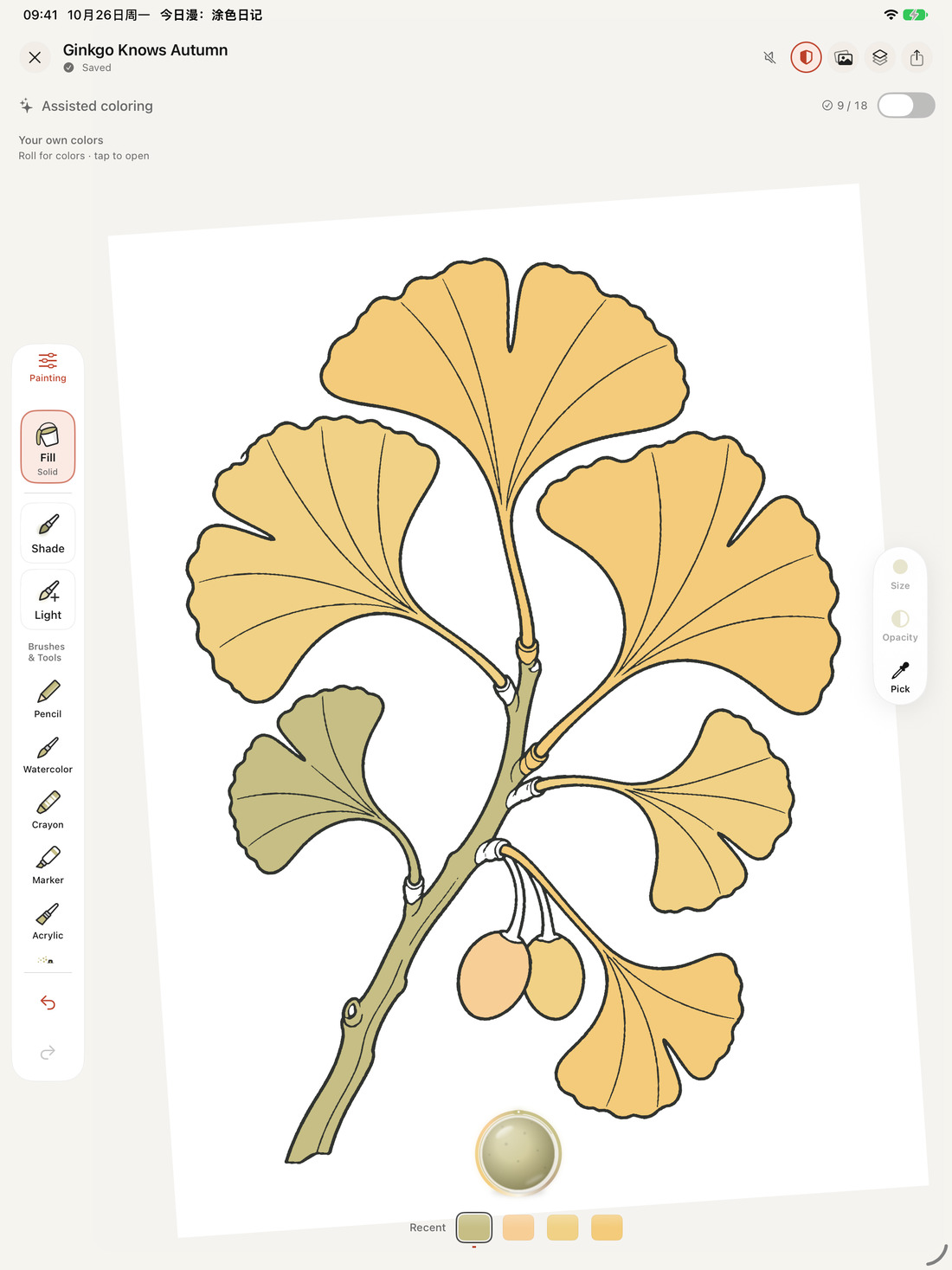
Every brush is free to use. Tap to fill a region, or layer watercolor and mineral textures stroke by stroke. Layers, palettes, undo and redo are always at hand, and compatible iPads support Apple Pencil.
Want a shortcut? Turn on assisted coloring and tap a region to fill it with the reference colors—switch back to free painting any time. Assisted coloring is part of Full Access.
04 / Keep today
A half-colored page can become today's diary entry. Write a few words, add a photo, choose a mood—or simply keep a touch of color.
Moods are optional. Your diary can be locked separately and stays on your device.
05 / Quiet by design
No new account to hand your life to. Your artwork and diary stay on your device, and you decide when to back up, move or share them.
Open the app and begin. No ads and no behavioral tracking.
Coloring, journaling and exporting all work offline, and your diary can be locked.
Every stroke saves automatically. Export a full backup and restore it on a new device.
Begin with today's page
Download for free, pick a drawing you love and start slowly.
Download on theApp Store12 starter drawings, a daily featured page, every brush, your private diary and backups, plus standard 2048-pixel PNG exports. Replays and share cards include light app branding.
The complete drawing library, assisted coloring, blank canvases, photo and line-art imports, and 4096-pixel and transparent PNG exports, plus replays and share cards without app branding.
Choose a subscription or a one-time lifetime purchase; Apple shows the available plans and local prices. Subscriptions renew automatically and eligible accounts get a 7-day trial. Lifetime never renews and doesn't cancel an existing subscription. Valid purchases can be restored in the app.